
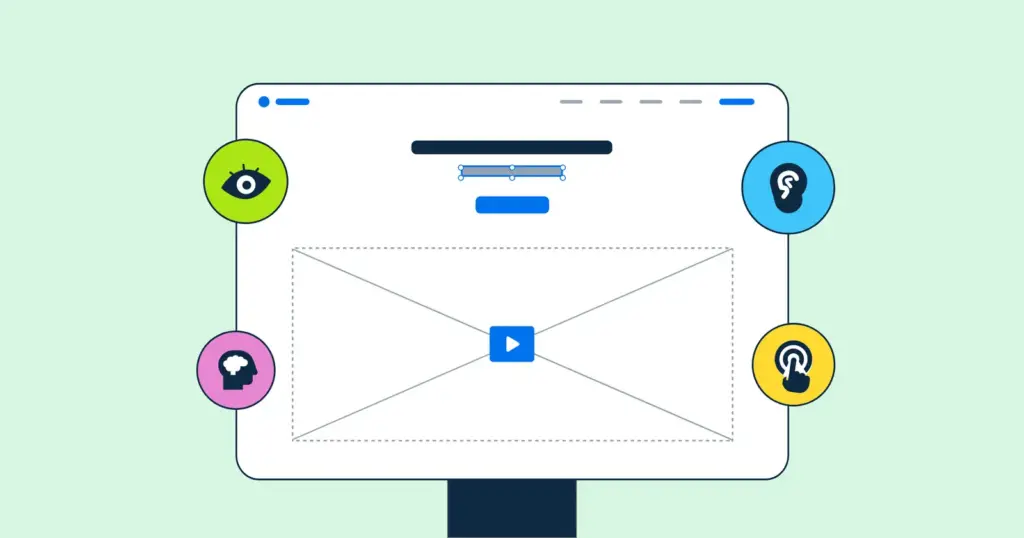
In the private sector, a great deal of effort goes into optimising website design for the user experience. But what exactly is user experience? And how can public bodies learn from the best web design practice and put it to work?
The private sector sets the standard for good website design. How can public bodies reach the same standard?
Good UX
In web design, user experience (UX) means applying design and development methods that make a website easy and pleasant to use. A page built around how people actually read a screen and what a typical visitor expects to find is said to have good UX.
Background
Historically, UX has not been a priority on public-sector websites. Many were built in the early days of the web, and even some recent ones repeat the same basic look and functionality. That is changing, as public bodies increasingly borrow methods from the private sector – and as accessibility law sets a clear minimum.
1. Create a consistent look and feel
One of the most important steps in improving a public body’s website is visual consistency. Style and design should be the same on every page. A modern, attractive home page that leads to outdated, poor-quality inner pages makes visitors sceptical of what they find there – and much less likely to use the information and services you offer.
Follow one style guide across the whole site. Keep it modern but restrained: not everyone’s device copes well with heavy JavaScript, autoplaying video and other elaborate effects. It is especially important that application forms and payment pages look current, because people are uneasy about entering personal information on a page that looks old.
Fonts, logos, graphics and banners should be the same on every page, and pages with similar content should share a similar layout. Your online applications, web forms and payment portals should follow the style guide wherever possible. Consistency is also an accessibility requirement: under WCAG 2.1 success criterion 3.2.3 (Consistent Navigation, level AA), navigation repeated across pages must appear in the same relative order.
2. Responsive design
If you regularly browse on a phone, you will have met poor responsive design: pages that load half off the screen, or text so small it would suit an ant.
Some public bodies’ websites are still not built to work on every browser and device. For residents on a phone that means pinching, zooming and dragging just to read a page or fill in a form – and many simply give up.
If you do not want visitors to abandon your website, it has to work on mobile devices from top to bottom. WCAG 2.1 sets a concrete test: under success criterion 1.4.10 (Reflow, level AA), content must be usable at a width equivalent to 320 CSS pixels without scrolling in two directions.
3. Accessibility
Accessibility is no longer optional for the public sector. Under the EU Web Accessibility Directive (Directive (EU) 2016/2102), public sector websites and mobile apps must be accessible. In Ireland and Malta, for example, that means meeting the relevant requirements of the European standard EN 301 549, which the National Disability Authority describes as broadly equivalent to WCAG 2.1 level AA. Part of the reason is legal; part is simply fairness. Your website should work for every resident.
Local authority websites should be easy to read, which matters a great deal for people who struggle with small text – text must be resizable to 200% without losing content or function (success criterion 1.4.4). The website should also work with assistive technologies, so that people with low vision or who use a screen reader can use it without barriers. For a fuller checklist, see what WCAG compliance means for public-sector organisations.
Public-sector websites do not have to be hard to use. Private companies set the standard for consistent, responsive and accessible design, and residents expect the same across public services. Good web design practice is increasingly within reach of public bodies with small budgets – it is up to you to take the step. If you want to know why projects so often fall short, read why public-sector websites often fail the people who use them.